
How it works
From a sentence about your company to a hero you can ship, on a page to match.
Describe your company
Tell us what you make, who it's for, and the vibe you're going for. A couple of sentences is enough — add your logo and brand colours if you have them.
Get on-brand designs
The hero comes first — artwork, headline, and call-to-action in the art direction you pick. Then the page beneath it: features, pricing, FAQ, footer. Every run gives you a fresh set to compare.
Copy the code
Open the ones you like at full size, then copy production-ready React and Tailwind for the whole page straight into your site. Or export the hero artwork as PNG, SVG, or a layered Figma file.
Examples
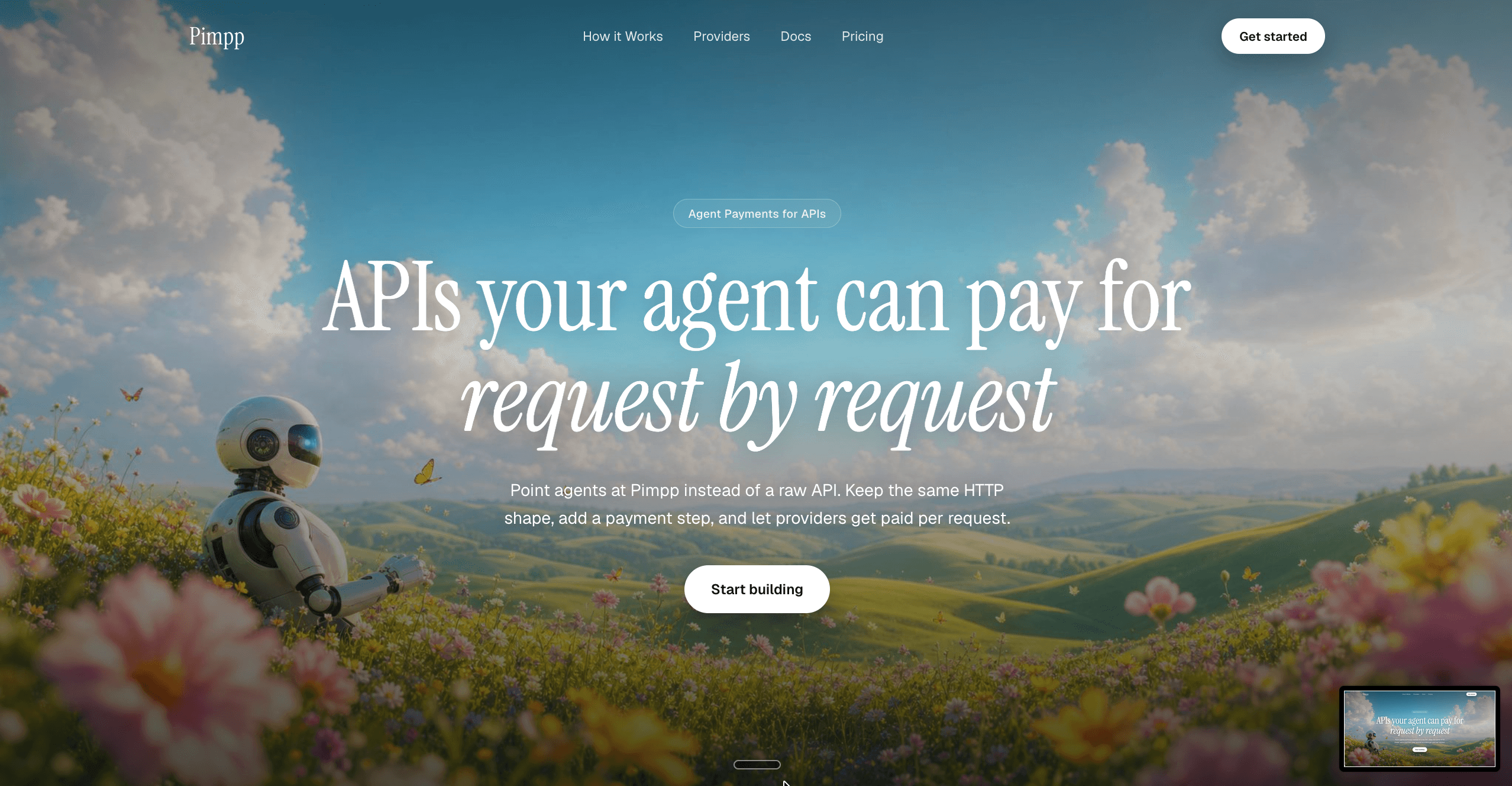
Five hero sections, five art directions.



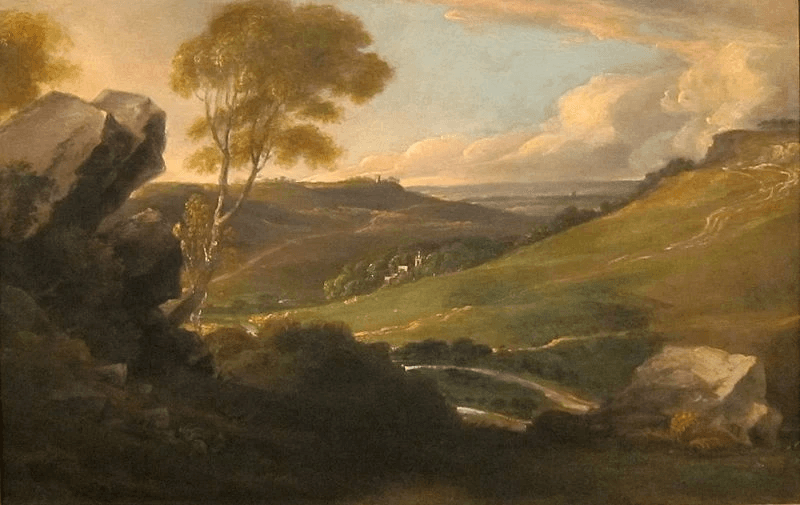

Sign in to generate your own. Your brief decides the subject and the copy; the style you pick decides the palette, rendering, and mood — and every hero arrives on a full landing page. Your trial includes three designs.
Who it's for
Building a product is easy now. Designing one still isn't.
Shipping the product is the part that got faster. The hero is still where most teams stall — it is the first thing anyone sees, and the one screen where a rough draft costs you the visit. So we start there, then build the rest of the page around it.
Founders
Founders shipping an MVP who need a landing page that looks funded, not unfinished.
Indie hackers
Indie hackers who would rather build the thing than push rectangles around a canvas.
Agencies
Agencies producing landing pages at volume, who need fresh directions on every brief.
Developers
Developers who want to paste the code, adjust two class names, and move on.
FAQ
Frequently asked questions
What does OneClickHero actually generate?
You describe your company in a short brief — product, audience, and tone — and pick an art direction. OneClickHero starts with the hero: background artwork generated for your brief, plus headline, subheading, and call-to-action. It then builds the rest of the page around it — stats, features, how-it-works, testimonials, pricing, FAQ, closing CTA, and footer — as a working page rather than a flat mockup.
Do I get code, or just an image?
Every design comes with its implementation code as a React component styled with Tailwind CSS — the whole page, not just the hero. You copy it from the preview and paste it into your project. You can also download the hero artwork as PNG, JPG, or SVG, or export a layered SVG that opens in Figma with editable text.
How much does it cost?
Every plan starts with a 3-day free trial that includes three designs, so you can see real output for your own brief before you are charged. A card is required to start the trial, and you can cancel any time before it ends without paying anything. Plans are $5, $9, and $19 a month — or 25% less paid yearly — and each gives you a monthly pot of credits that refreshes every month.
Can I control the visual style?
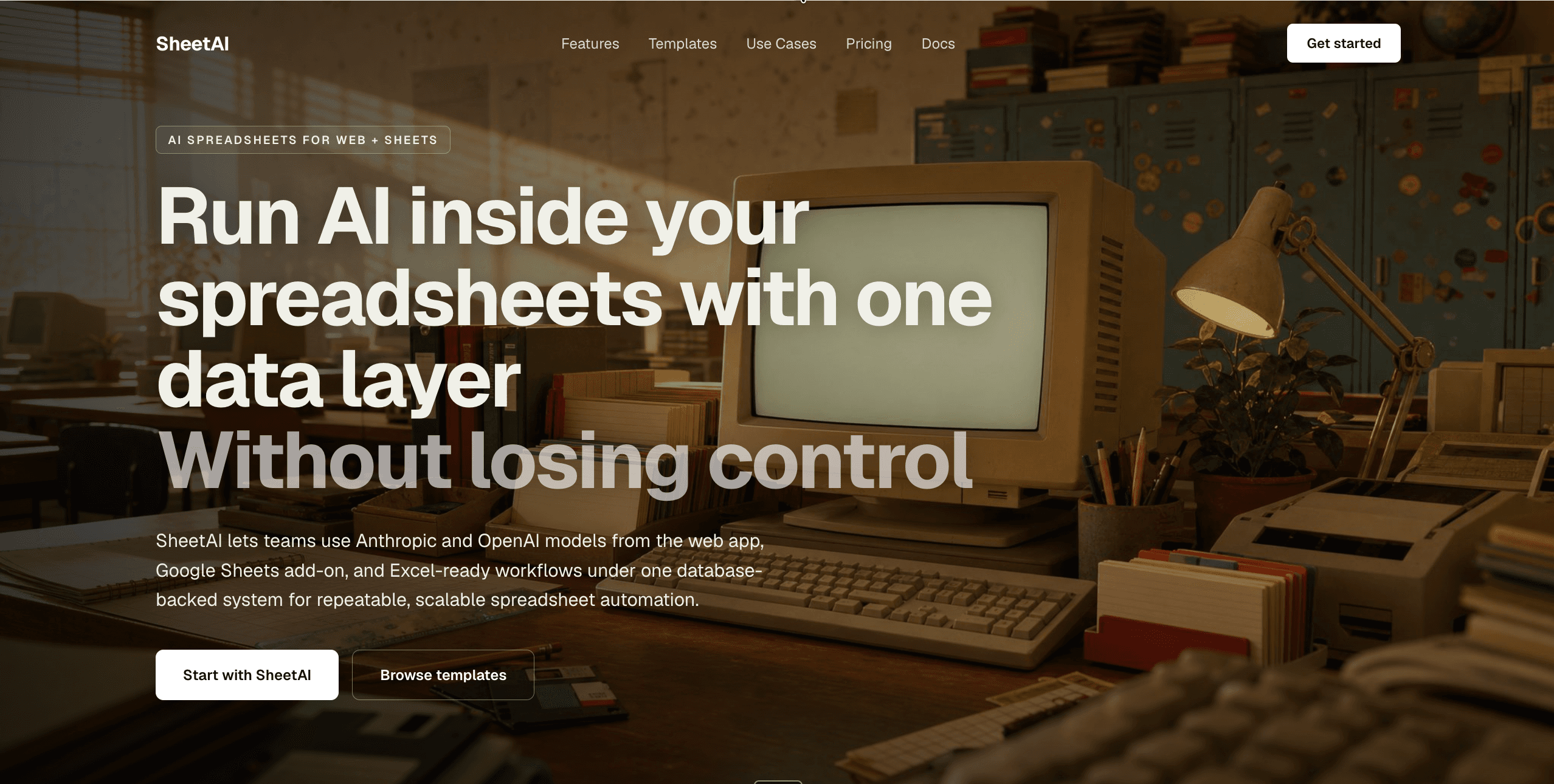
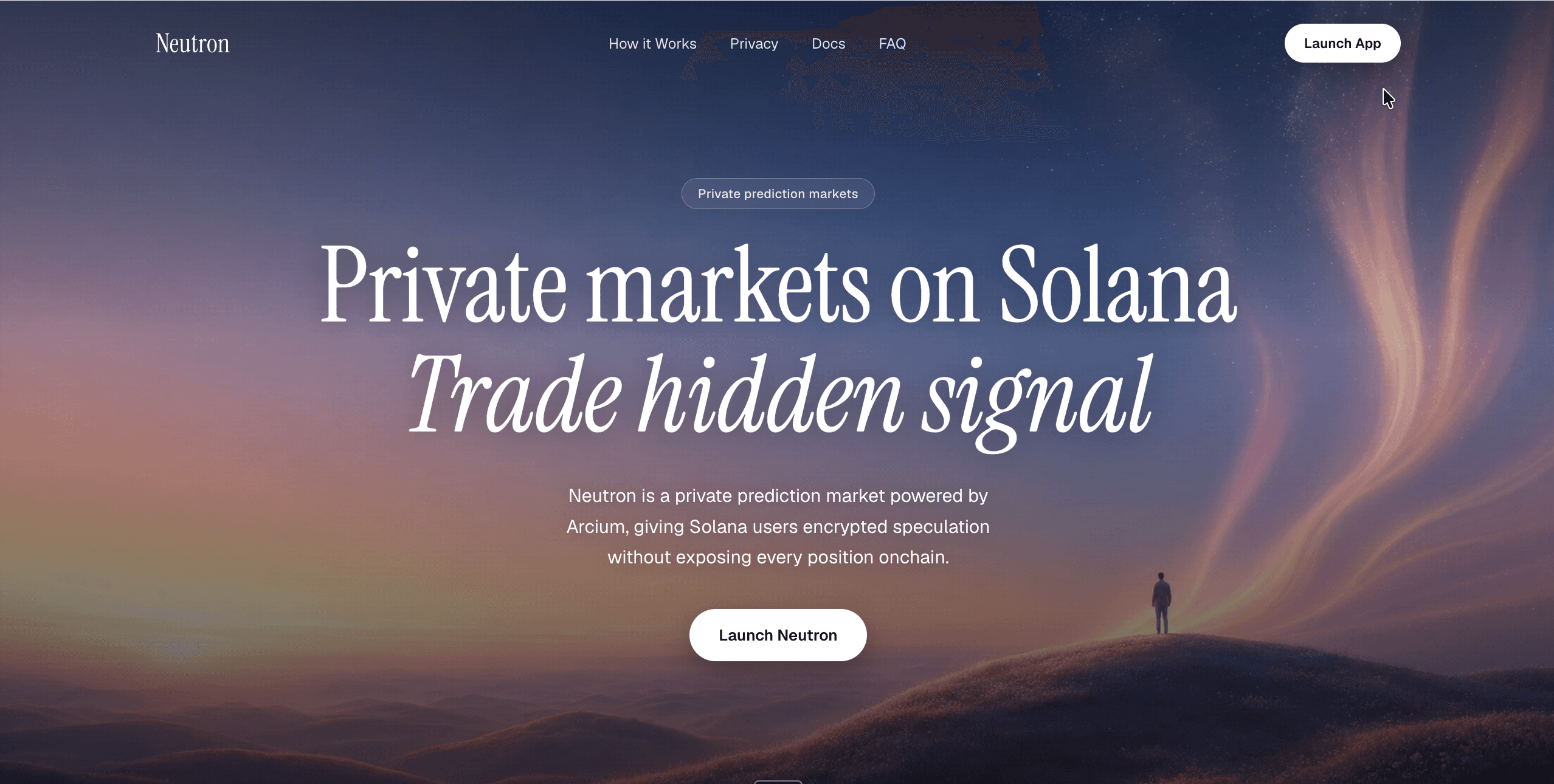
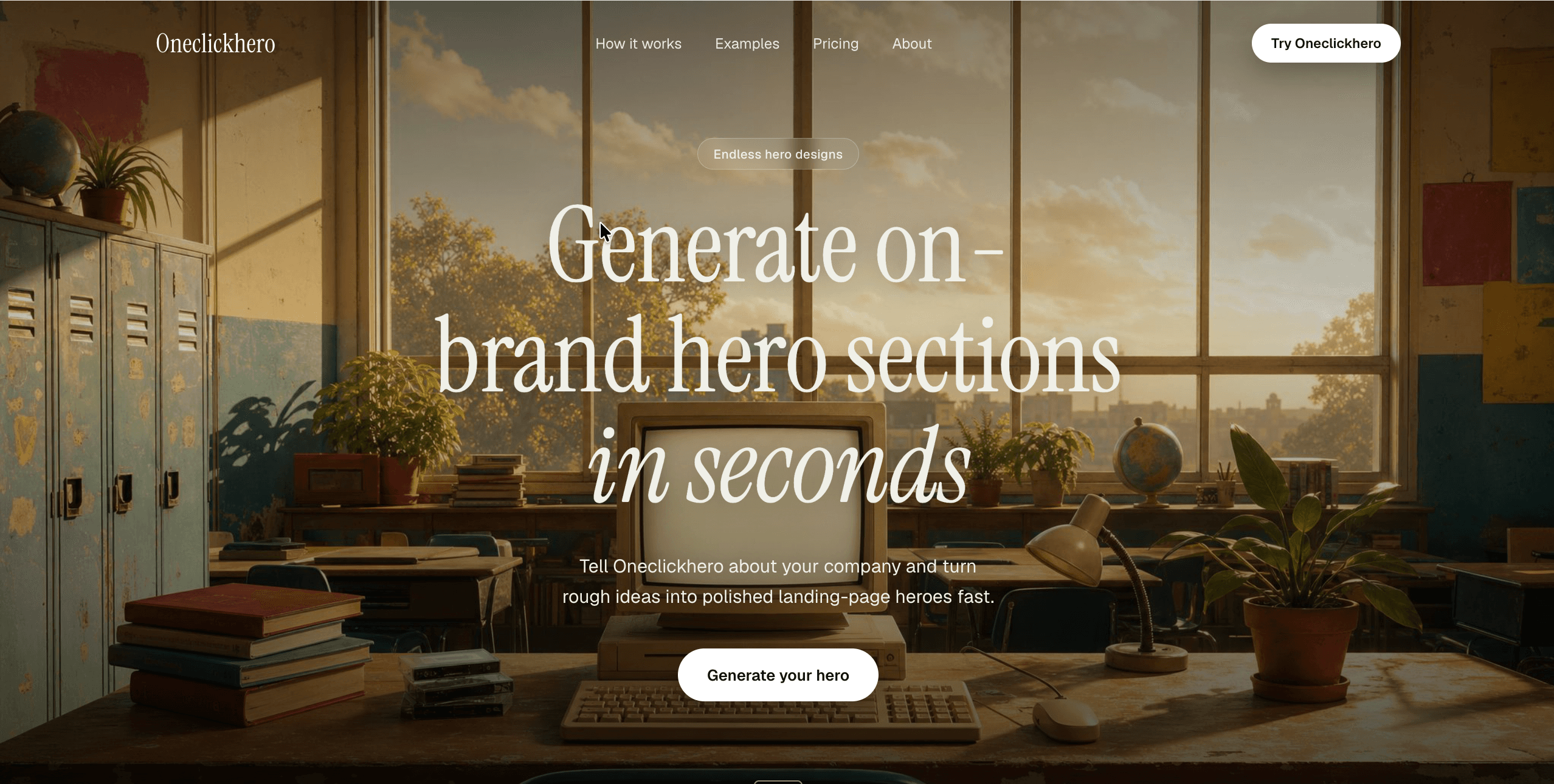
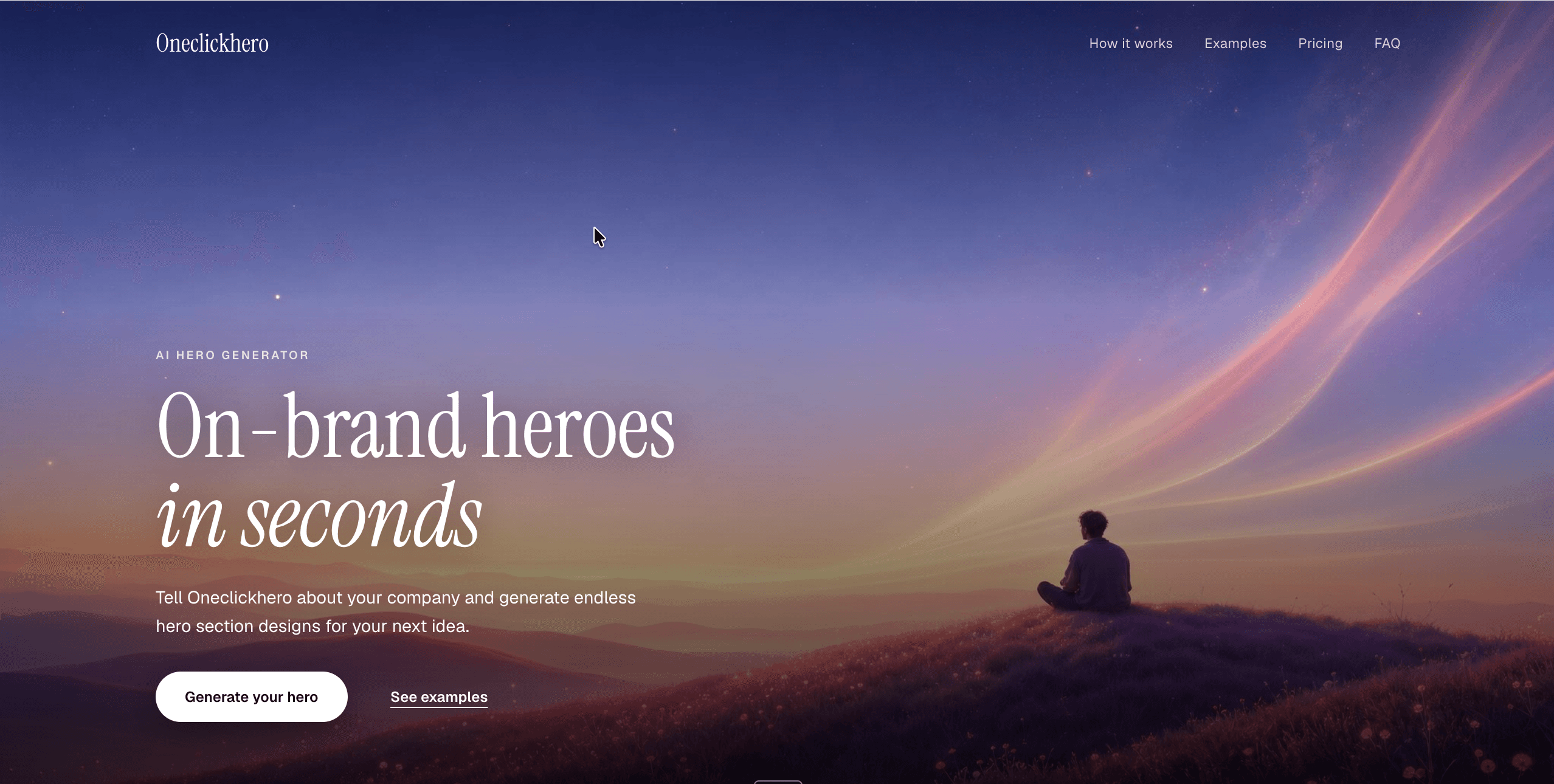
You choose from five art directions: Bloom Aesthetics, Retro Aesthetics, Dreamscape, Romantic sublime landscape, and Ghibli-inspired pastoral illustration. Your brief drives the subject and copy, while the style you pick drives the palette, rendering, and mood — so two companies never get the same hero. The page structure varies on its own axis too: section order and section layouts are picked independently of the hero, so repeat runs do not hand you the same page twice.
How do I get started?
Sign in with Google and write your first brief. When you hit generate you pick a plan and add a card to start your free trial. Generating takes about a minute, and you get a set of complete pages to compare rather than a single take, so you can keep the one that fits and regenerate the rest.
Do I need a card, and what happens when the trial ends?
Yes — a card is required to start the trial, and the plan you picked is charged automatically when the 3 days are up. Cancel before then and you are not charged. Credits are a monthly allowance: whatever you have not used resets when your next month starts, rather than rolling over. If you run out early you can move up to a bigger plan at any time, charged pro rata for the days left in the month.